

 (1 RATINGS)
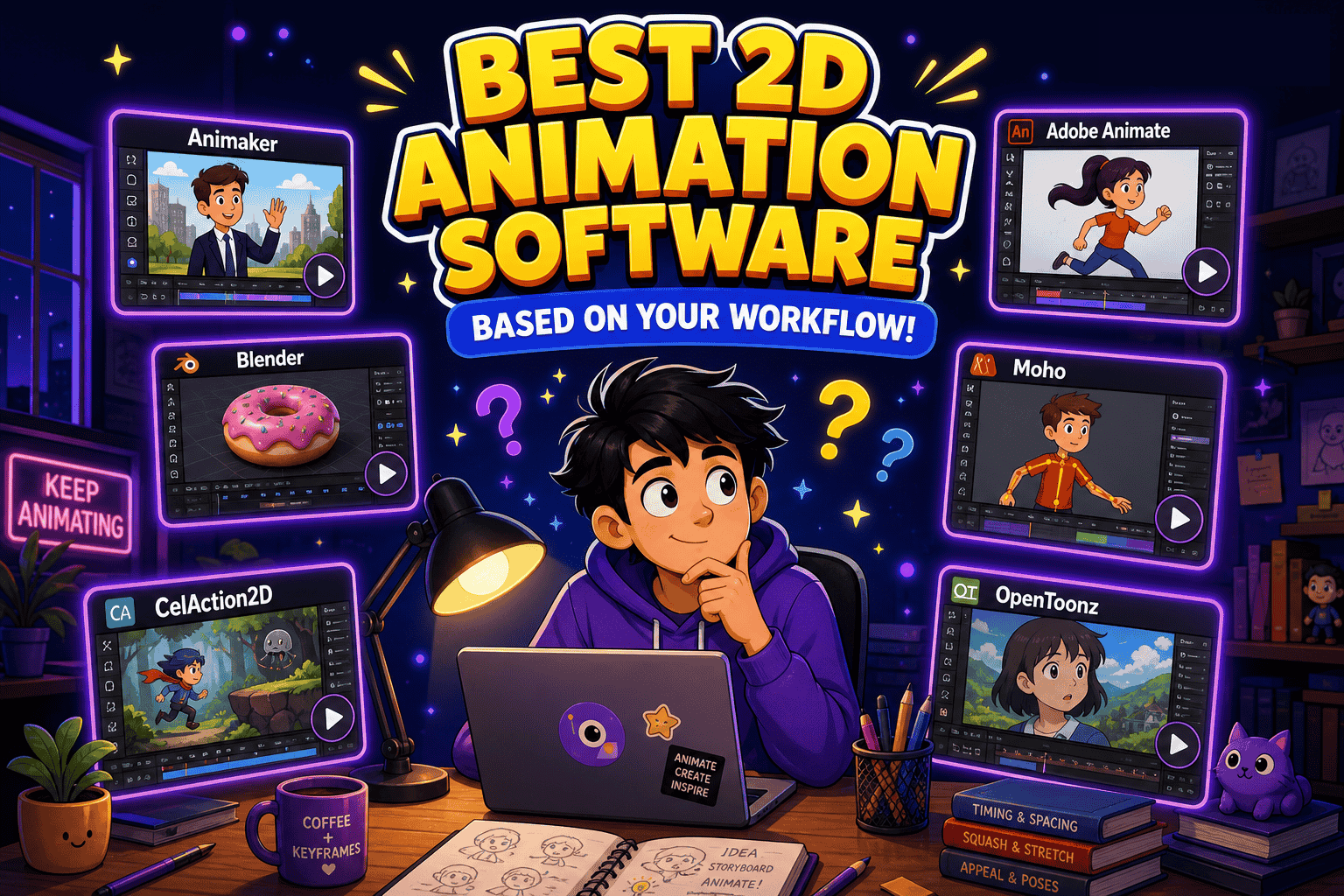
Best 2D Animation Software Based on Your Workflow in 2026!
TL;DR -
-
2D animation software is no longer limited to just professionals.
-
AI-powered animation tools like Animaker are ideal for fast content creation.
-
Professional software like Adobe Animate, Moho, and CelAction2D offer advanced animation control for studios and experienced animators.
-
Open-source tools like Blender and OpenToonz provide flexible, cost-effective options for indie creators.
-
The best software depends on your animation style, skill level, budget, and creative needs.
________________________________________________________________________________________________________________
2D animation software is no longer built for just one type of creator.
Some tools are designed for quick marketing videos and explainers.
Others focus on professional animation workflows used by studios, while open-source platforms continue to attract indie creators and hobbyists looking for flexibility.
This shift has also changed the broader video creation space. Modern AI tools now overlap closely with animation workflows, making animated storytelling more accessible than ever.
Because of that, choosing the “best” 2D animation software today depends less on popularity and more on the kind of workflow you need.
In this guide, we’ll break down-
- 3 Types of 2D Animation Software
- Best 2D Animation Software in 2026
- Which 2D Animation Software Should You Choose?
Let’s get started
3 Types of 2D Animation Software
Not all 2D animation tools are built the same. Some prioritize speed and simplicity, while others focus on creative control and advanced animation capabilities.

Here are the three main categories of 2D animation software available today -
1) AI & Template-Based Animation Tools
These platforms are designed for quick content creation with little to no animation experience required.
Most of these tools provide ready-made templates, drag-and-drop editors, stock assets, and AI-powered features that simplify the animation process.
These tools are best for: marketers, educators, startups, and content creators.
2) Professional Frame-by-Frame Animation Software
These tools are built for traditional animation workflow and offer advanced features for rigging, compositing, motion refinement, and frame-by-frame animation.
They are designed to handle complex, high-quality animation productions at a professional level.
These tools are best for: animation studios, professional animators, and advanced users.
3) Open-Source Animation Tools
Open-source animation software is great for creators who want flexibility without high software costs.
While some tools have steeper learning curves, they offer strong customization and are popular among hobbyists, students, and independent creators.
These tools are best for: indie creators, students, hobbyists, and experimental projects.
Best 2D Animation Software in 2026
To make things easier, we’ve put together a shortlist of some of the best 2D animation software based on their features, ease of use, popularity, and overall user experience.
AI & Template-Based Animation Software
1. Animaker
Animaker is an AI-powered, web-based 2D animation software designed to make video creation quick and easy.
Why it stands out in 2026
Animaker now features various video styles integrated with AI capabilities to create quiz videos, corporate videos, training videos, invitations, and more.
Key strengths
AI-powered animation generation, drag-and-drop editing, large template library, custom character creation, cloud-based collaboration, AI voiceovers, AI subtitles.
One limitation to know
The animation maker does not offer frame-by-frame controls, making it less suitable for advanced creators with complex animation needs.
Best suited for
Explainer content, marketing videos, whiteboard animations, and quick character-based storytelling.
Professional Frame-by-Frame Animation Software
2. Adobe Animate
Adobe Animate, which is a part of the Adobe Creative Suite, is a desktop-based professional 2D animation software.
Why it stands out in 2026
Adobe Animate remains a popular choice for professional creators for its mix of traditional frame-by-frame animation, motion tweening, and support for interactive content creation.
Key strengths
Frame-by-frame animation, motion and shape tweening, extensive asset libraries, Creative Cloud integration, interactive animation support, and flexible export options for web and mobile platforms.
One limitation to know
The software can feel complex for beginners, and full access requires an Adobe Creative Cloud subscription.
Best suited for
Animated videos, interactive web content, game assets, and professional animation projects.
3. Moho
Moho is a vector-based desktop software used by professional animators.
Why it stands out in 2026
It offers a strong balance between rig-based animation and traditional frame-by-frame tools, making it a flexible choice for creators working across different animation styles.
Key strengths
Rig-based character animation, inverse kinematics, frame-by-frame support, vector and bitmap drawing tools, smart warp features, and advanced timeline management.
One limitation to know
Since it is desktop-based and feature-rich, beginners may face a steeper learning curve compared to simpler web-based animation tools.
Best suited for
Cartoons, short films, explainer videos, and character-driven animations.
4. CelAction
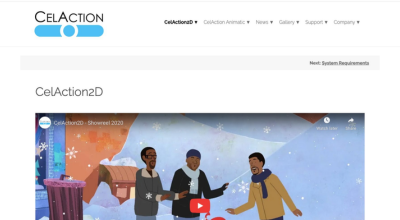
CelAction2D is a professional-grade 2D animation software widely used by studios for large-scale TV, film, and commercial productions.
Why it stands out in 2026
CelAction2D is built for large-scale animation production, offering a highly efficient rig-based system.
Key strengths
Rig-based character animation, multi-layered compositions, dynamic camera movement, scalable production capabilities, and advanced precision controls for high-volume animation workflows.
One limitation to know
The software is designed primarily for experienced animators and studios, making it less beginner-friendly than simpler animation platforms.
Best suited for
TV series, commercial productions, and high-end studio animation projects created by professional animation teams.
Open-Source Animation Tools
5. Blender
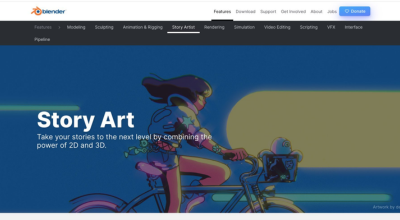
Blender is a popular free and open-source software used widely by animation enthusiasts.
Why it stands out in 2026
Blender’s Grease Pencil feature gives creators the ability to combine 2D animation with 3D environments, offering a level of creative flexibility that few free tools can match.
Key strengths
Grease Pencil for 2D animation in 3D space, customizable drawing tools, advanced rigging controls, layer-based compositions, built-in compositing tools, and completely free open-source access.
One limitation to know
Because Blender is built primarily as a full 3D creation suite, the interface and toolset can feel overwhelming for beginners focused only on 2D animation.
Best suited for
2D and 3D hybrid animation projects, experimental storytelling, concept art, and advanced animation workflows.
6. OpenToonz
OpenToonz is an open-source 2D animation software known for supporting both traditional hand-drawn and digital animation workflows.
Why it stands out in 2026
OpenToonz continues to be a powerful option for its professional-grade capabilities and strong support for both traditional and digital animation styles.
Key strengths
Vector and bitmap animation support, frame-by-frame tools, onion skinning, motion tweening, hand-drawn artwork digitization, advanced compositing features, and open-source customization.
One limitation to know
The interface and advanced toolset can feel less beginner-friendly for newbies compared to more modern template-based animation platforms.
Best suited for
TV shows, animated shorts, films, and hybrid traditional-digital animation projects created by intermediate to professional animators.
Which 2D Animation Software Should You Choose?
The best 2D animation software depends on your creative needs, experience level, and animation style.
-
Choose Animaker for beginner-friendly animation and fast content creation.
-
Choose Adobe Animate, Moho, or CelAction2D for advanced animation features and professional productions.
-
Choose Blender or OpenToonz if you prefer free and open-source animation tools with greater creative flexibility.
Choose based on the type of content you want to create, your budget, and how much time you’re willing to invest in learning the software.


No comments yet... Be the first to leave a reply!